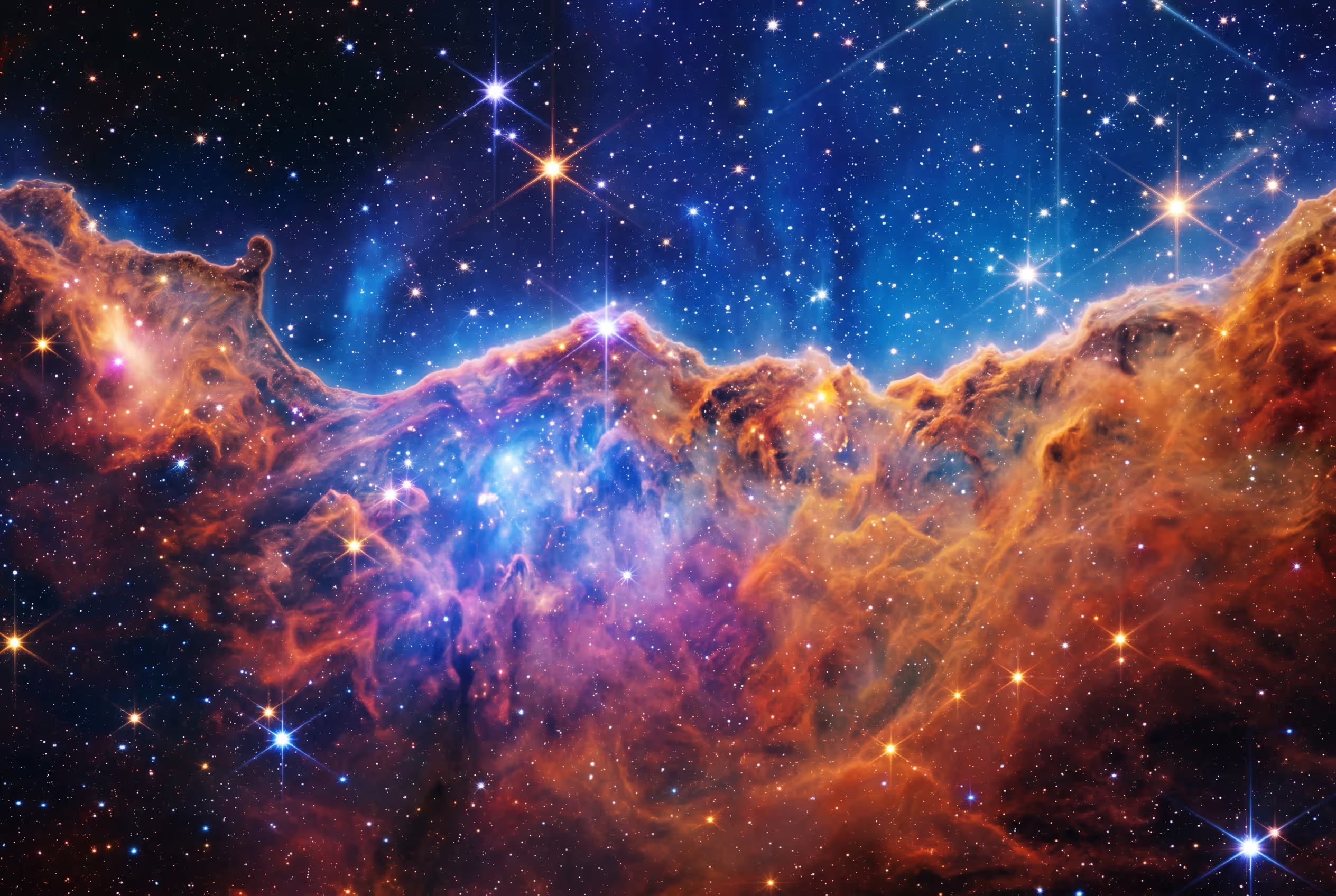
In today's visual-first world, from cherished memories to critical scientific data, image quality defines the impact of our stories. But what if your images are noisy, blurry, or too small for modern screens? This is where Artificial Intelligence steps in. AI-powered processes are revolutionizing image enhancement, using techniques like noise reduction, detail sharpening, and resolution upscaling to unlock new levels of clarity and creativity.
The Core Trio of AI Image Enhancement
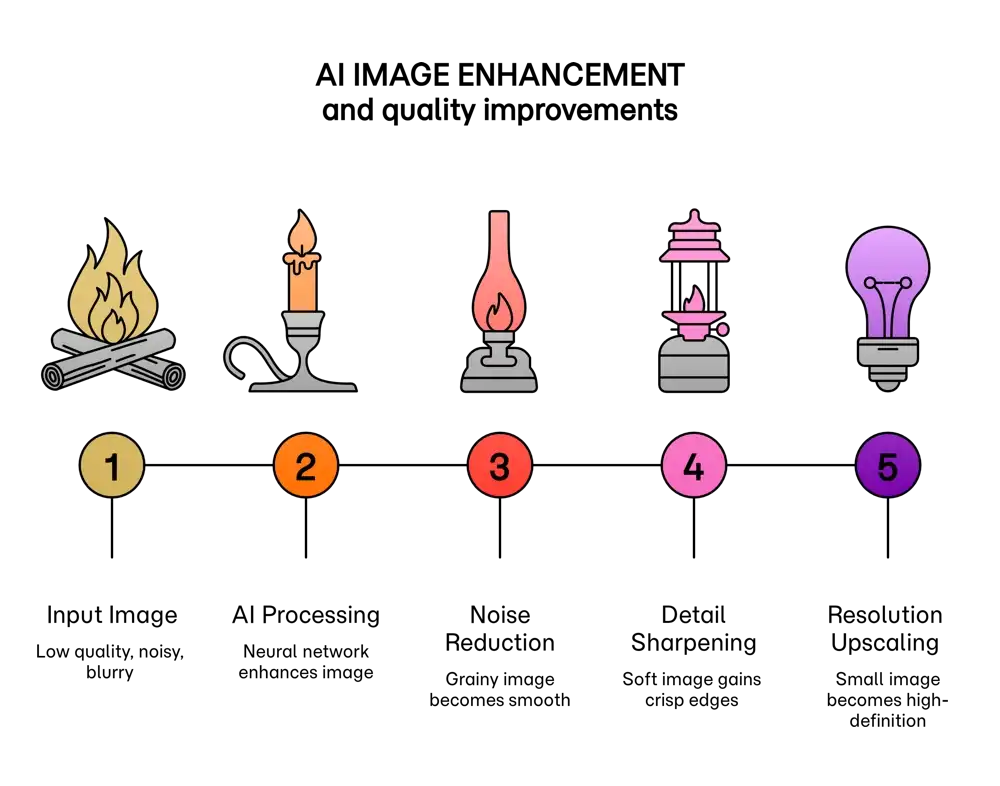
At the heart of AI image improvement are three key techniques, often powered by generative AI, that tackle the most common image quality issues.
1. Noise Reduction: Silencing Visual Distractions
Low-light photos are often plagued by "noise" a grainy texture of distracting speckles. While traditional methods blur an image to reduce noise, they also destroy fine details. AI takes a smarter path. By training on millions of clean and noisy image pairs, AI models, through machine learning, learn to tell the difference between unwanted grain and essential details like hair or fabric textures. The result is a clean image that retains its naturalism.
2. Detail Sharpening: Bringing Crisp Clarity into Focus
Slightly soft or out-of-focus images can lack impact. AI sharpening tools analyze image content to selectively boost clarity and contrast, making objects appear more defined and three-dimensional. Unlike older filters that create harsh "halos," AI intelligently sharpens edges and textures for a greater sense of realism, even correcting for minor motion blur.
3. Resolution Upscaling: The Art of Intelligent Enlargement
Enlarging a small image traditionally means stretching the existing pixels, which leads to a blurry, pixelated result. AI upscaling, or Super Resolution, is entirely different. It uses a trained model, like a GAN (Generative Adversarial Network), to intelligently "hallucinate" and add new, contextually appropriate pixels. Instead of just making the image bigger, it reconstructs it at a higher resolution with new, believable detail.
Visualising the AI Transformation
Understanding these techniques is easiest when you see them in action. The tables below show how each process transforms an image in different scenarios.
| Scenario | Before AI | AI Process Visualised | After AI |
|---|---|---|---|
| Noisy Night Photo | A portrait covered in grainy, colorful speckles that obscure features. | The AI scans the image, identifying and isolating the noise patterns. | A clear portrait with smooth skin tones and sharp details. |
| Vintage Film Scan | An old photo marred by dust, scratches, and heavy film grain. | An algorithm highlights artifacts as a separate layer for removal. | A clean, restored image that looks vibrant and timeless. |
| Scenario | Before AI | AI Process Visualised | After AI |
|---|---|---|---|
| Soft Landscape | A forest scene where foliage and tree bark appear soft and lack definition. | A "focus map" highlights the edges of leaves and branches for enhancement. | A crisp landscape where individual leaves and textures stand out. |
| Action Shot Blur | A photo of a speeding cyclist with noticeable motion blur. | The AI detects the blur's direction and reconstructs the cyclist's form. | A sharper image where the cyclist is more defined against the background. |
| Scenario | Before AI | AI Process Visualised | After AI |
|---|---|---|---|
| Pixelated Icon | A small, blocky brand logo that is unusable for large formats. | The AI "paints in" new, sharp pixels between the old ones, creating smooth curves. | A scalable, high-resolution vector-like logo perfect for printing. |
| Low-Res Digital Art | A small digital drawing, too small for a high-quality print. | The AI adds plausible details and rich textures that fit the art style. | A large, print-ready masterpiece with stunning, intricate detail. |
Unleash Your Creativity with Text-to-Image Generation
Go beyond editing and create entirely new worlds from a simple description. With Betterprompt, you can turn your ideas into stunning, high-resolution artwork. Describe your scene, choose a style, and let our AI bring your vision to life. It's the ultimate tool for artists, designers, and creators.
Start Generating Images NowApplications Across Every Field
The benefits of AI image enhancement reach far beyond simple photo editing, opening up new frontiers in a variety of disciplines.
Creative Arts and Design
Artists use AI to upscale low-resolution generative art into gallery-ready pieces. A creative prompt combined with a powerful AI model can even use a text-to-image instruction to add new elements or stylistic flairs during the enhancement process, blurring the line between restoration and creation.
Scientific and Historical Analysis
In research, AI clarifies vital data; from enhancing noisy images from deep-space telescopes to sharpening details in cellular microscopy. Historians, guided by a nostalgia prompt, use AI to restore faded and damaged historical photographs, offering a clearer, more intimate look into our past.
Building Better AI
High-quality images are essential for training AI models. By using AI to upscale, clean, and augment existing image datasets, developers create more robust and effective training material. This feedback loop, sometimes refined with reinforcement learning from human feedback (RLHF), improves AI performance in critical tasks like medical diagnostics and autonomous vehicle navigation.
A Sharper, Clearer Future
AI photo enhancement is a fundamental shift in our relationship with visual media. By intelligently refining our images, AI not only preserves the past and clarifies the present but also equips us to create the visual landscapes of the future. Understanding how these tools visualise and execute complex processes reveals the incredible power at our disposal, making our digital world a more detailed, vibrant, and accessible place.
Frequently Asked Questions
What is AI image enhancement?
AI image enhancement uses artificial intelligence algorithms, particularly deep learning models, to automatically improve the quality of a photo. This includes processes like noise reduction (denoising), sharpening blurry details, and increasing image resolution (upscaling).
How is AI upscaling different from traditional resizing?
Traditional resizing (or interpolation) simply stretches existing pixels, which makes the image larger but also blurry and pixelated. AI upscaling, or Super Resolution, intelligently generates new pixels based on its training on millions of images. It adds new, realistic details that didn't exist in the original, resulting in a much sharper and clearer enlarged image.
Can AI truly fix a very blurry photo?
AI can significantly improve blurry photos, especially those with slight motion blur or soft focus. By analyzing the blur patterns, it can reconstruct details and sharpen edges. However, for extremely blurry or out-of-focus images where critical information is lost, the AI will have to "guess" more, and the result may look clean but might not be a 100% accurate representation of the original scene.
Is using AI for photo editing difficult?
Not at all. Most modern AI enhancement tools are designed to be very user-friendly. Often, the process is as simple as uploading a photo and clicking a button. More advanced tools may offer sliders or prompts to fine-tune the results, but the basic functionality is typically automated and accessible to everyone.
Can AI be used to restore old, damaged photographs?
Yes, this is one of the most powerful applications of AI image enhancement. AI models can be trained to identify and remove scratches, tears, and stains. They can also correct colour fading and add detail back into faces and backgrounds, bringing new life to precious historical or family photos.
What is "Generative AI" in the context of image editing?
Generative AI refers to models that can create new content, not just analyze existing data. In image editing, this means AI can "generate" new pixels to upscale an image, "in-paint" a missing area to remove an unwanted object, or even create an entire image from a text description (text-to-image).
Are my photos safe when using an online AI enhancer?
Privacy policies vary by service. Reputable platforms typically process your images on their servers and have policies against using your personal photos for other purposes. It's always a good practice to read the privacy policy and terms of service of any online tool before uploading sensitive or personal images.